Random Picks#1
Devil's Gate
4.0#1
Devil's Gate is a platformer game where players guess trap locations on maps to avoid death, testing rationality and reflexes with each critical step.
4.0Platformer
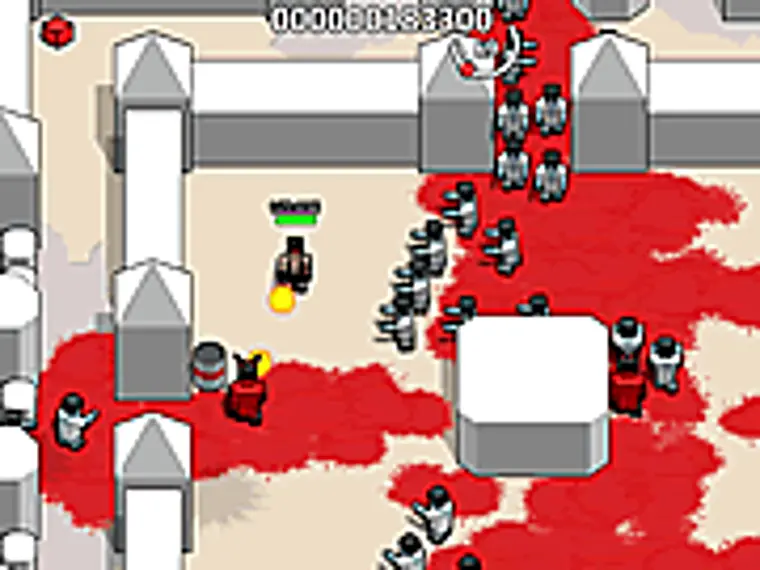
Play Now FreeBunker of Monsters is a survival game set in a terrifying bunker. Players find themselves trapped in a confined space filled with monsters and must use limited resources and time to survive. The game's background emphasizes a tense and fearful atmosphere, with each bunker designed with different layouts and monster types, adding to the exploration's uncertainty and challenge. Players need to quickly adapt to the environment, find weapons and ammunition to fight monsters, while managing their health and resources. The goal is to survive for five minutes in each bunker, then enter the next bunker through an opening door, repeating this process to test players' survival skills and reaction abilities. Overall, the game offers an immersive horror experience, combining shooting and survival elements, suitable for players who enjoy fast-paced and intense gameplay.
The core gameplay revolves around survival and shooting. Players enter a bunker and must survive for five minutes while facing attacks from various monsters. Weapons and ammunition are scattered around the bunker, and players need to quickly collect these resources to arm themselves. The game uses a first-person perspective to enhance immersion and tension. Players can move, jump, run, crouch, prone, and use items. In combat, players can aim, shoot, zoom, select weapons, switch weapons, reload, and pause. After each bunker, a door opens, allowing players to enter the next bunker and continue the survival challenge. The game emphasizes quick decision-making and precise shooting, requiring players to constantly adapt to new environments and manage resources to extend survival time.
Move: Arrow keys or WASD; Jump: Spacebar; Run: Shift key; Crouch: Left Alt key; Prone: Ctrl key; Use Item: E key; Aim: Right mouse button; Shoot: Left mouse button; Zoom: Mouse wheel; Select Weapon: Number keys 1-9; Switch Weapon: [/] keys; Reload: R key; Pause: Esc key; Fullscreen: Page fullscreen button.
Devil's Gate is a platformer game where players guess trap locations on maps to avoid death, testing rationality and reflexes with each critical step.

An online maze generator that lets you draw routes, adjust difficulty, and share challenge links with friends.

Quickly judge math equations before the timer runs out, solo or two-player duel to sharpen mental math speed.